Clocks inside Ambient Time
Open the watch app to choose a clock. These run inside the app; your Apple watch face stays separate.
- Word Clock
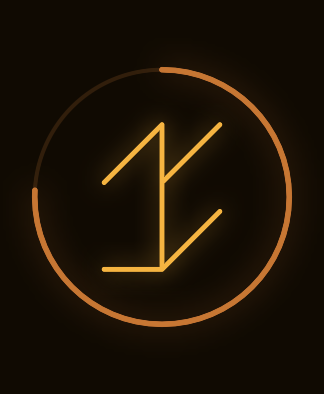
- Binary
- Spoken
- Year
- Classic
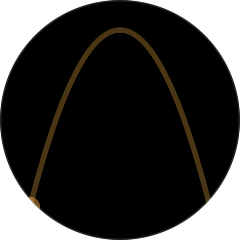
- Moon Track
Put it on your watch
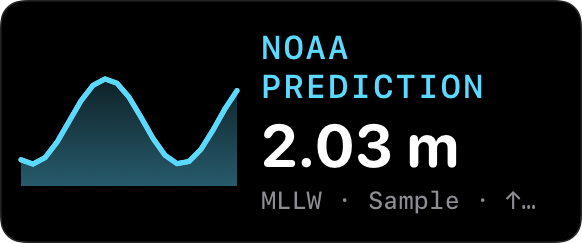
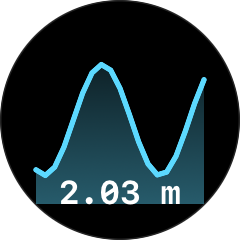
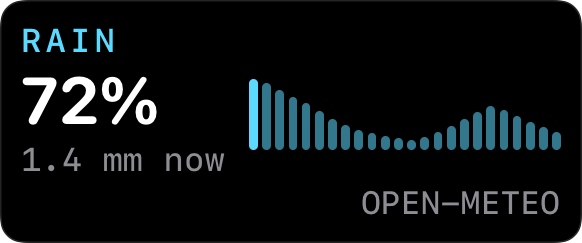
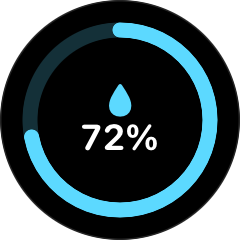
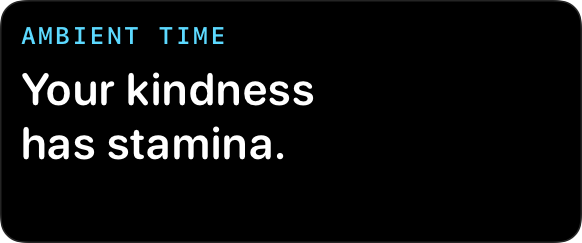
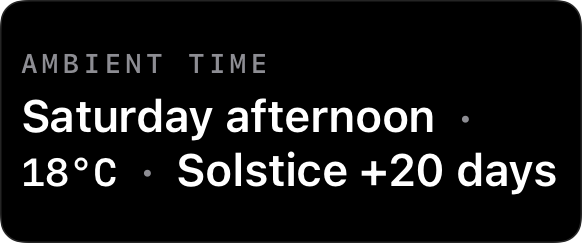
Install Ambient Time on your Apple Watch and open it once. Then choose where you want a widget.
In the Smart Stack
- From the watch face, turn the Digital Crown up or swipe up.
- On watchOS 26, scroll to the bottom and tap Edit, then Add Widget.
- Choose Ambient Time and a widget. Use the pin button to keep it near the top, then tap Done.
Apple’s Smart Stack guide ↗
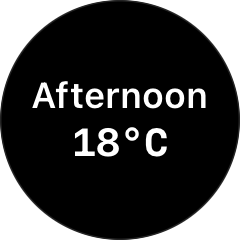
On your watch face
- Touch and hold your watch face, tap Edit, then swipe to the complications page.
- Tap a slot and turn the Digital Crown to choose a compatible Ambient Time complication.
- Press the Digital Crown to save, then tap the watch face to return.
Apple’s complications guide ↗
Location, weather and settings
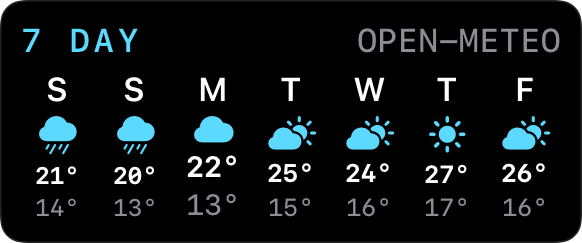
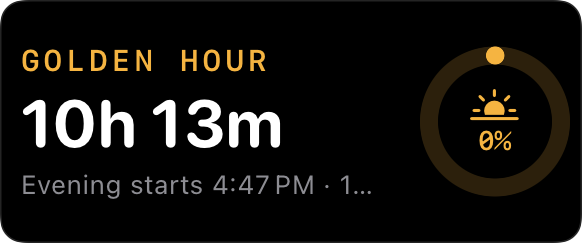
For local weather, tides and Golden Hour, use a saved city or a location saved with permission in Ambient Time. Open the watch app with a connection to refresh its weather and tide data. Apple controls widget refresh timing.
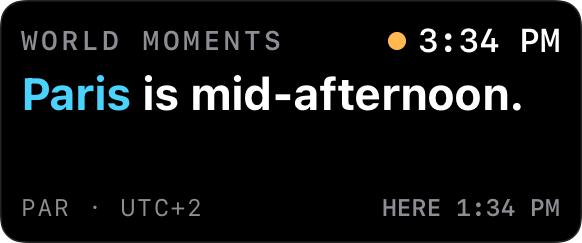
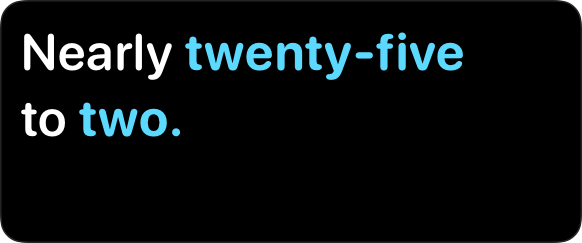
The watch app receives saved Ambient Time settings from your iPhone. Which settings apply varies by widget; there is no separate settings editor for each placed widget. World Moments rotates through a built-in city collection, and Word Phrase uses English phrases.
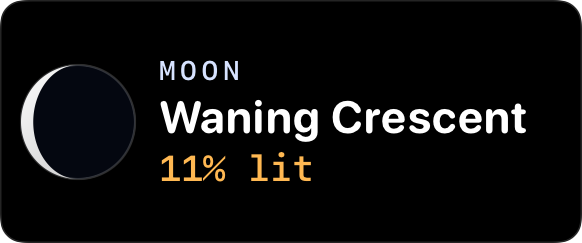
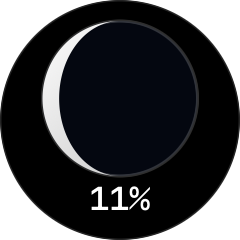
Moon Phase, Word Phrase, World Moments and Compliment work offline. Poetic keeps its date-based text without weather; Golden Hour can calculate its solar window from a saved location.